Create Rating Limit
Description
A Rating Limit Rule is designed to check the number of process instances that can be executed within a specific time range.
Steps to Create Rule
-
Click the "Create Rule" button in the "Throttling Rules" tab of the Throttling view.
-
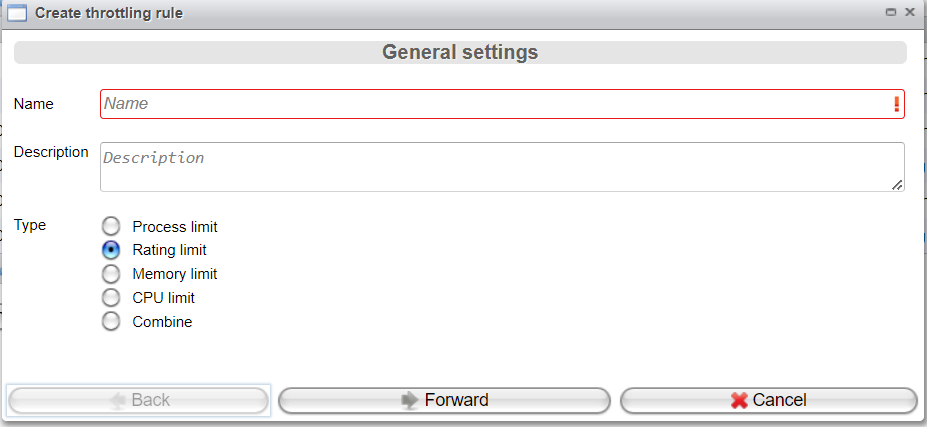
To create a Rating Limit Rule, configure the following parameters:
- Enter the rule's Name.
- Enter a Description.
- Choose the Type as
Rating Limit.
Now, click "Forward".
-
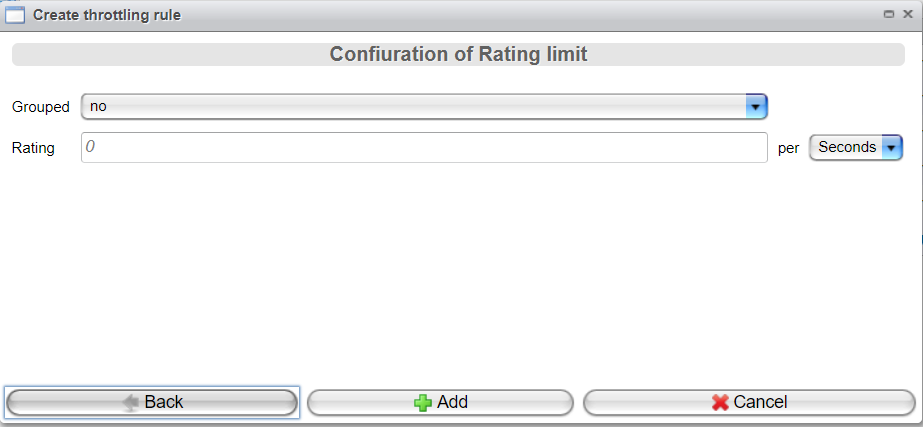
Configure the rule type specific parameters:
- Grouped:
Yesresults in validating the rating limit against the number of incoming processes, grouped by event source (e.g., clients with the same IP address).Nomeans validating the rating limit against the number of incoming processes per request.
- Rating: If the data is sent at a frequency higher than the given limit, the handler will switch to the "overflow" state.
Finally, click the "Add" button.
- Grouped: